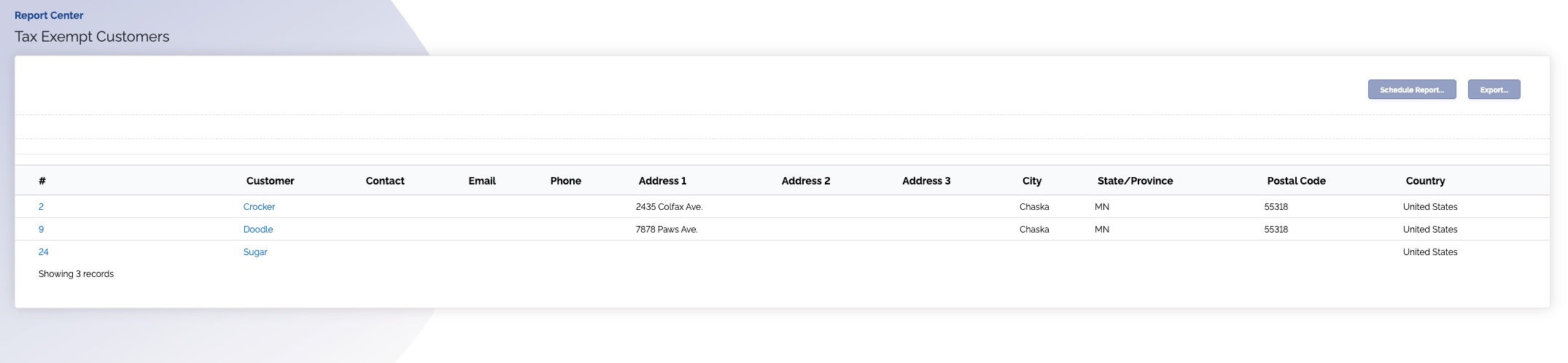
Tax-Exempt Customers Report
Overview
This report lists all your customers that are not taxable.
Read by looking at the customer name and address.
Where is this report?
- Find your Report Center tab and click into it
- The Tax-Exempt Customers report can be found under the Accountant & Taxes heading
Available columns
- Customer #
- Customer name
- Main contact of the customer
- Phone
- Address (1-3)
- City
- State/province
- Postal code
- Country