Income by Customer Detail Report
Overview
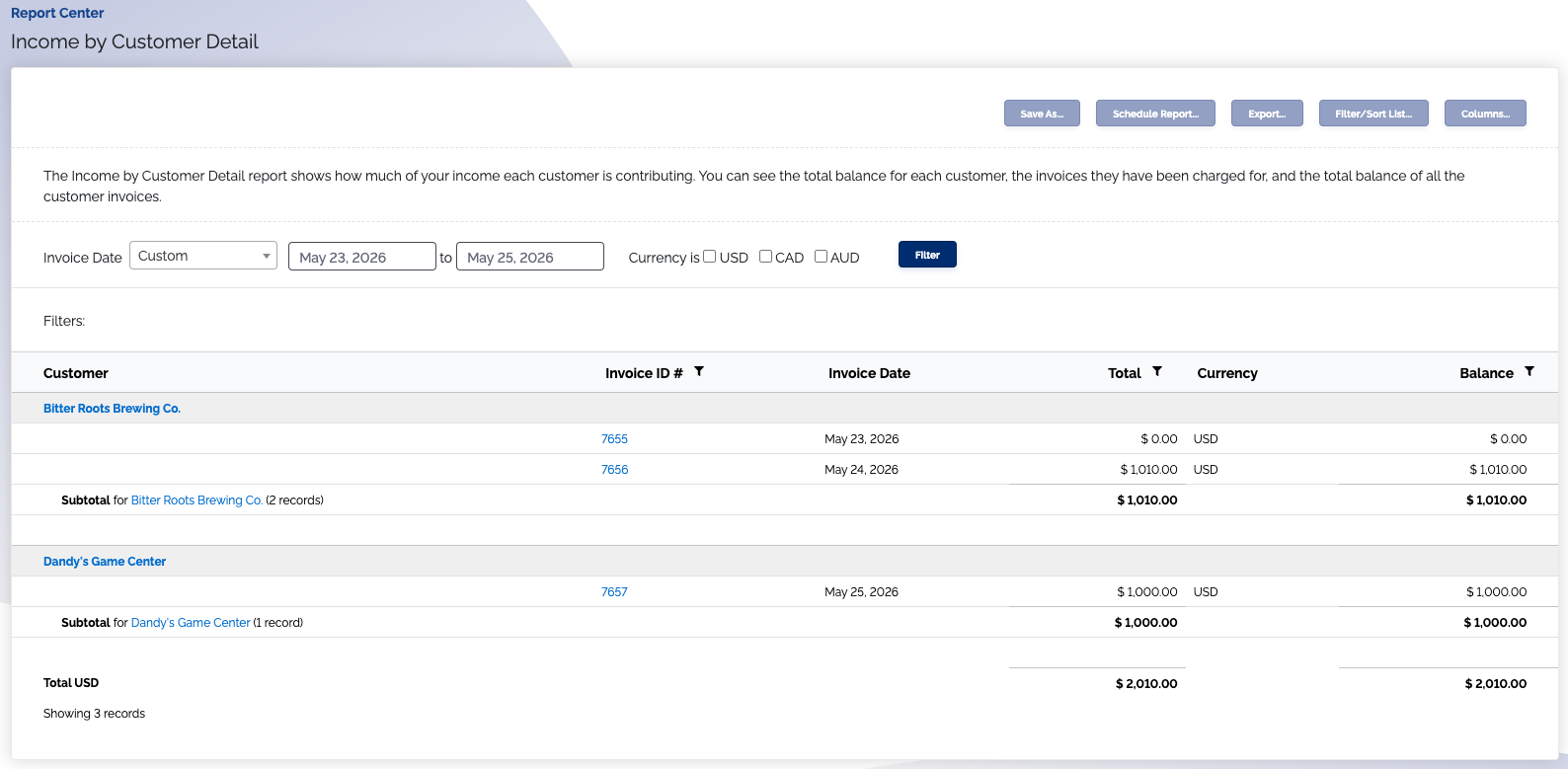
The Income by Customer Detail report shows how much of your income each customer is contributing.
Where is this report?
- Find your Report Center tab and click into it
- The Income by Customer Detail report can be found under the Income heading
Popular columns to use
- Customer
- Invoice ID number
- Invoice date
- Total income contributed
- Customer balance
What your report might look like