Your Account Profile
Overview
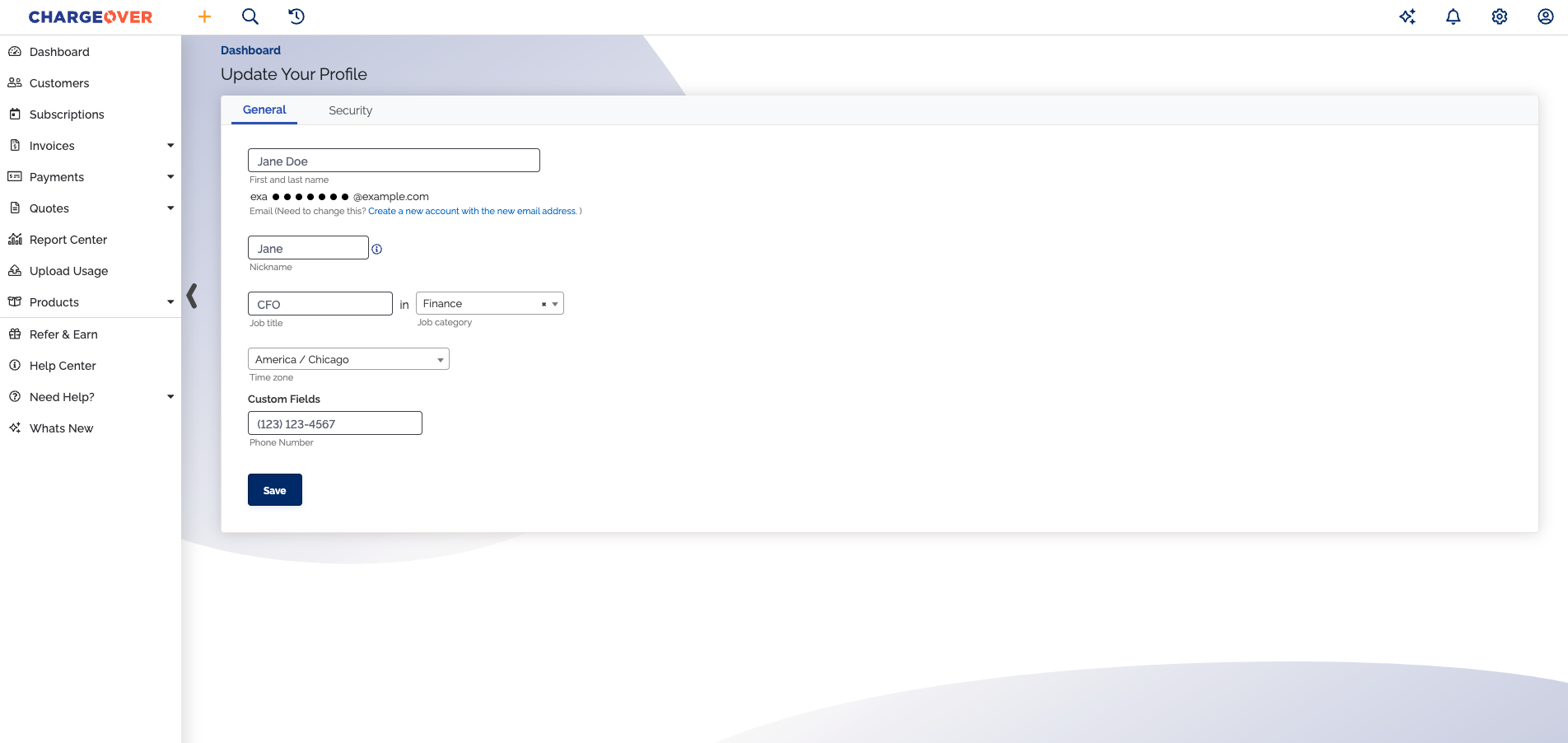
Your ChargeOver profile helps people communicate and collaborate with you, so it's important to keep it up to date. You can refresh your name, role information, time zone, and other details whenever things change.
How to update your profile
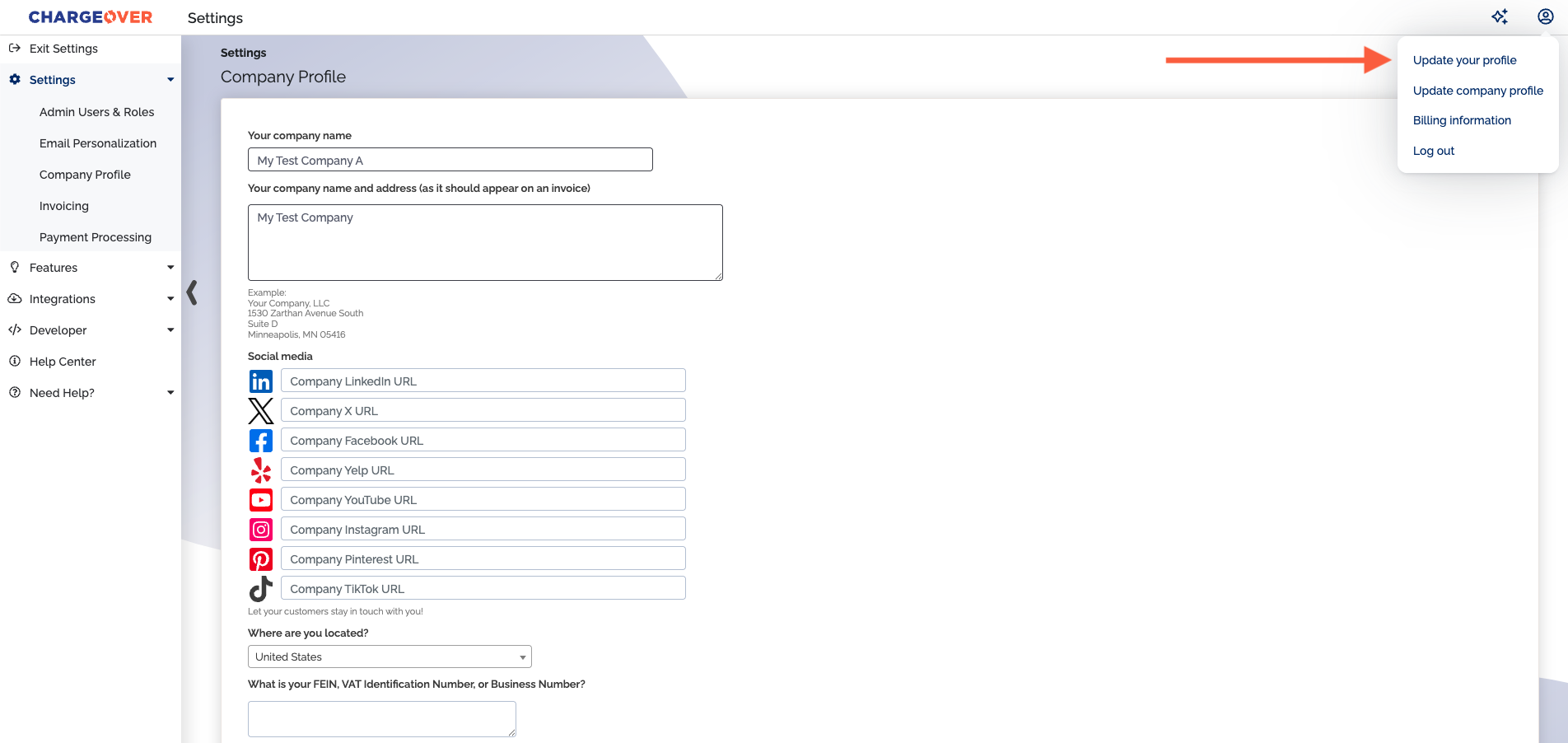
- Click on Update your profile
- Enter your profile information and click
Save
info
If you haven't saved a job title and job category to your profile by the third time you log in, you'll see a pop-up asking for this information each time you log in until you save it.